How to Use Google Maps for a Good Family Camping Trip
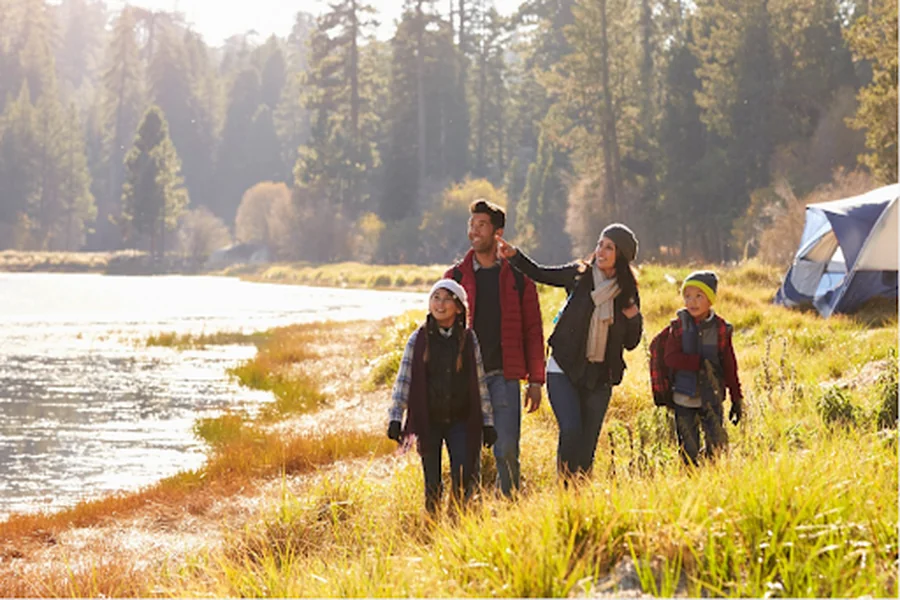
Planning a family camping trip is always exciting, but choosing the right location, mapping out trails, and ensuring everyone stays safe requires thoughtful preparation. Google Maps is one of the most useful tools for organizing outdoor adventures, helping families explore nature confidently and stay oriented throughout their trip. Whether you’re driving to a remote campsite or hiking through a national park, Google Maps can simplify navigation and enhance the overall experience.
How to Use Google Maps to Enhance Your Family Camping Experience
Below are the best ways to take advantage of Google Maps to plan, navigate, and fully enjoy your camping trip.
Choose the Right Campsite With Satellite View and Reviews
Before heading out, use Google Maps to explore nearby campsites or discover hidden natural spots. For those wondering how to use google maps on huawei, get it through AppGallery and MicroG. Then, you can use the Satellite View to examine the terrain, tree coverage, and proximity to lakes or rivers. Street View, when available, gives a preview of the campsite layout and road conditions. Checking ratings and reviews from other campers also helps you gauge amenities, safety, and overall comfort. This ensures your family chooses a location that suits everyone’s expectations.
Plan Your Driving Route in Advance
Family trips often involve long drives, sometimes through unfamiliar or rural areas. Use Google Maps to preview your route, save it, and even download it for offline access. This is especially important when traveling to remote locations where mobile signals can be weak. You can also check estimated travel times, identify scenic routes, and save gas stations or supermarkets along the way. Pre-planning ensures the journey is smooth and reduces stress for everyone in the car.
Download Offline Maps for Remote Camping Areas
Many popular camping spots have limited or no mobile coverage. Before leaving home, download offline maps of your destination. This allows Google Maps to provide navigation, search features, and route guidance without internet access. Offline mode is particularly useful for hiking trails, backroads, and national parks. You can also store multiple map areas if your trip spans different regions. Having offline maps ready ensures your family never gets lost, even deep in the woods.
Save Key Locations and Campsite Coordinates
Use the “Save” and “Label” features to mark essential waypoints such as the main campsite, parking areas, bathroom facilities, trail entrances, water sources, and emergency exits. During your trip, these markers make navigation quick and effortless, especially for children or older family members who may wander from the main spot. Saved locations sync across devices, allowing everyone to stay connected and safe.
Use Terrain and Topographic Views for Hiking Routes
Google Maps’ terrain layer is especially helpful when planning hikes. It highlights elevation changes, hills, valleys, and slopes, allowing you to choose trails suitable for different fitness levels. For families with young kids or elderly members, avoiding steep climbs ensures a more enjoyable outing. You can also switch to Satellite View to understand trail surroundings, water sources, and shaded areas, which are important factors for comfort and safety.
Share Your Location With Family Members
Before starting a hike or exploring a new area, use Google Maps’ real-time location sharing feature. This lets family members track each other’s position, making it ideal for larger groups or trips with children. It adds an extra layer of security and gives peace of mind, especially when exploring more challenging routes.
Check Weather and Road Conditions Through Integrated Information
Google Maps often displays weather alerts, road closures, and traffic conditions. This helps families avoid unsafe routes or severe weather, ensuring everyone stays protected. Refresh the map periodically for updated alerts, especially during unpredictable seasons like spring and fall.
Conclusion
Google Maps is one of the most helpful tools for planning and enjoying a family camping trip. From choosing the perfect campsite to navigating trails and staying connected, its features make outdoor adventures safer, smoother, and more enjoyable. By using offline maps, saving key locations, checking terrain, and sharing your location, families can explore nature with confidence and avoid common challenges. With proper preparation, Google Maps becomes an essential part of a memorable and stress-free camping experience.